
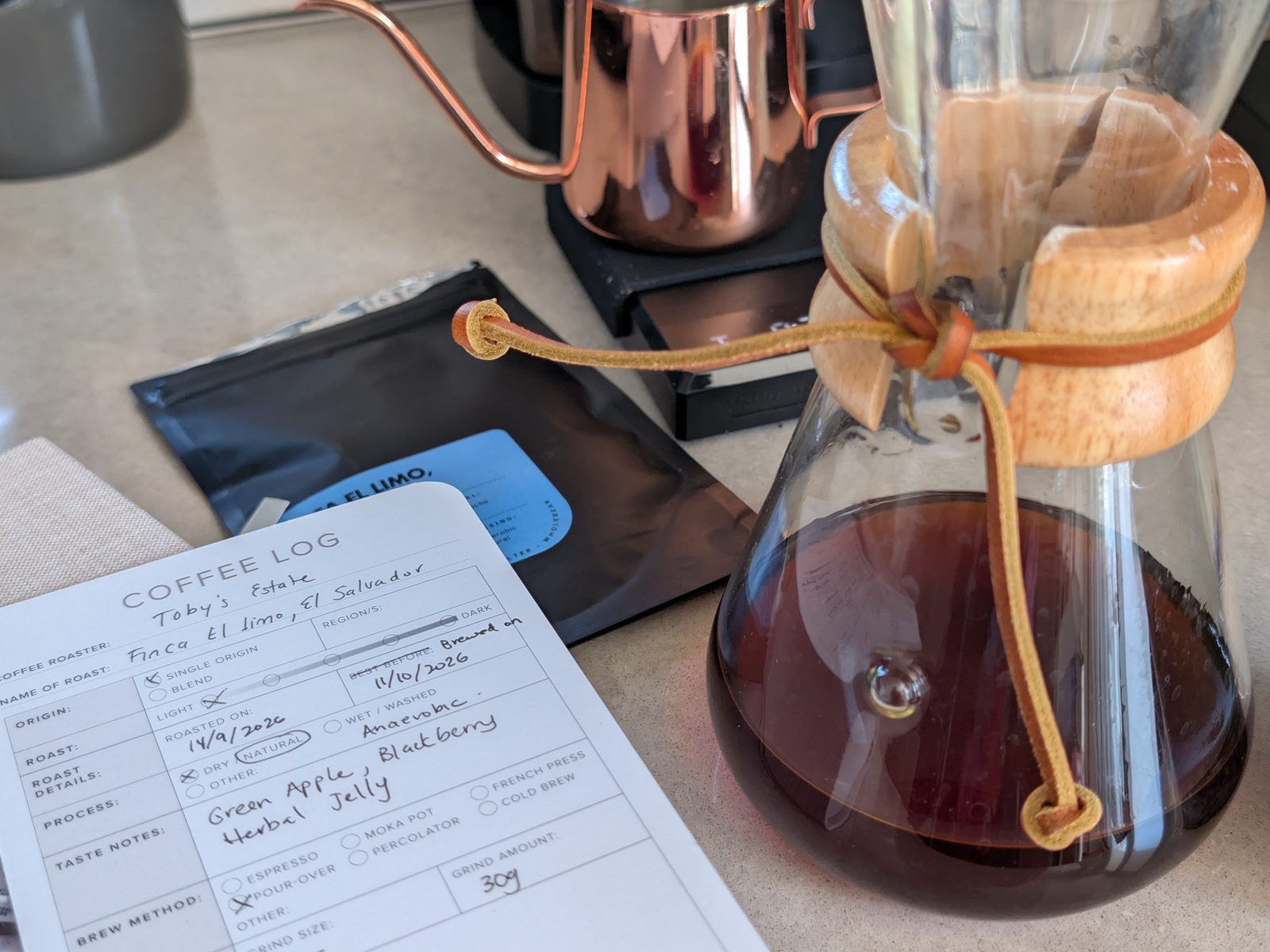
A new country means new coffee roasters to try.
I have always loved trying new coffee roasters. Even in America, during the pandemic, I was searching for good coffee beans. Working with Perk Coffee in Singapore must have cemented my obsession with coffee and bean quality. After six years in America, though, I was drinking Wawa coffee and Starbucks without any qualms. Shock! The horror! That very first Pumpkin Spice Latte of the season always had me at hello.
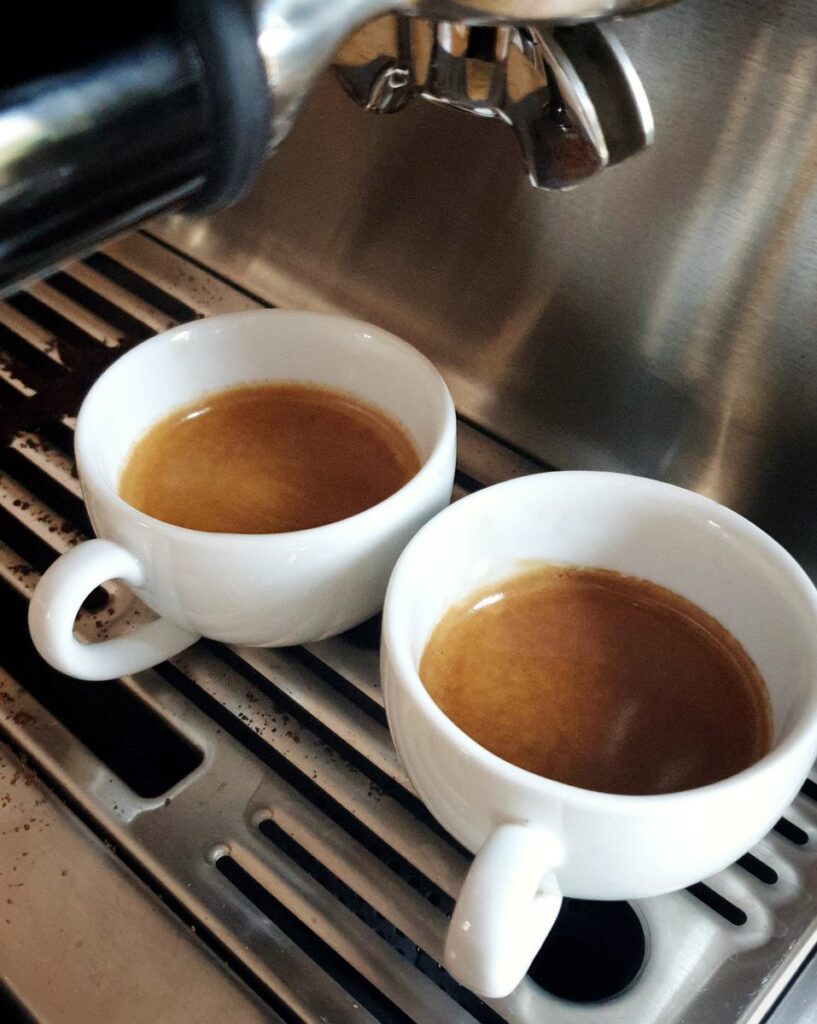
Australian Coffee Roasters at Home
But now that I’m in Australia, famous for its coffee scene and excellent coffee roasters, I’ve been sampling so many different beans that I’ve had to create my own digital coffee log to keep track of them all. Call me crazy, but even with so many cafés here, I make my own coffee at home, and this… THIS is where the quality of the beans and the roast really matters (along with the grind size).
Let’s be honest, though: coffee is a luxury, and it’s also expensive. Living in Australia is expensive! One thing I’ve learnt from the locals is to never, ever buy things at full price. Wait for the sales, they said. So I do, but sometimes a good bag of coffee simply must be ordered, sale or not.
My Paper Coffee Log Cards
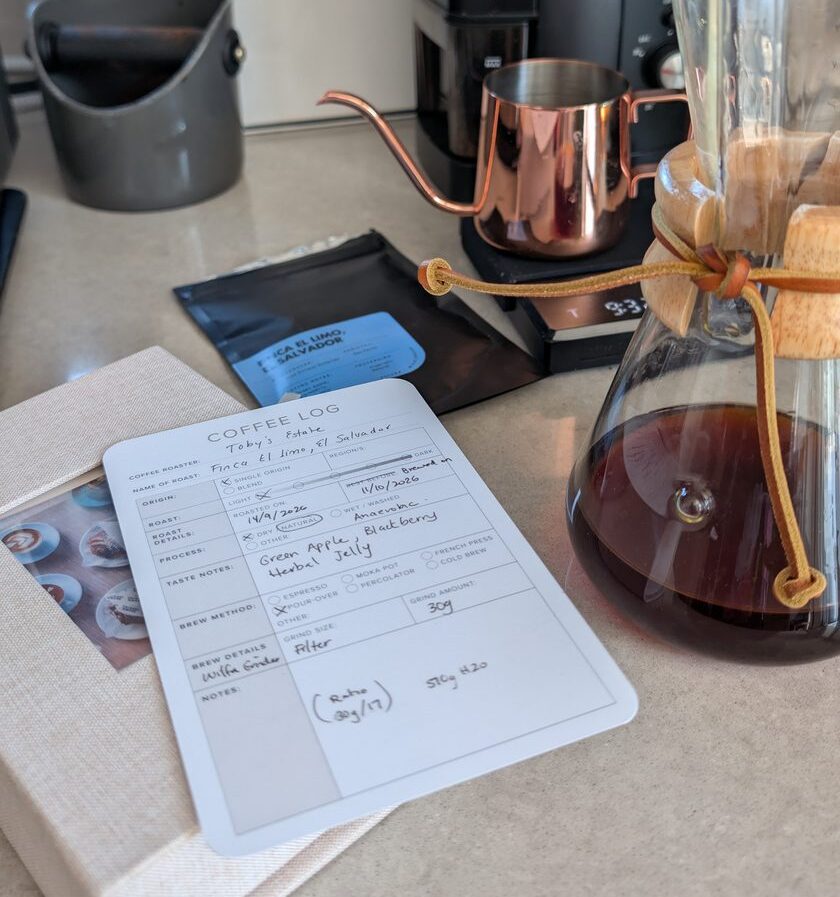
It also gives me great pleasure that I still have a stack of leftover Coffee Log cards that I printed in America. I love that I can record every detail with pen on paper and then alphabetise them in my keepsake box. When I’m feeling OTT, I pop the card on a little stand next to my Breville Barista Pro so I always know which coffee I’m enjoying.
The downloadable and printable version of the Coffee Log is in my Etsy shop with an updated design. If you’d like a printed copy and don’t mind the old design, let me know, and I’ll add it to Etsy as well.
Why I Built a Digital Coffee Tracker (with a Little Help from AI)
Now, back to coffee tracking… The only thing missing from my paper Coffee Logs was a way to sort beans and track prices, which just isn’t easy on a physical card. So I decided I needed a better digital system. And here it is! The coffee tracker I developed with the help of AI. (Both Claude and my Grok bot, “Barista”, helped me build it.)
I can enter the coffees I’ve ordered manually, or get my AI friends to check the order details and fill them in for me. Then I just add my ratings. Like my meal planner, it’s one of those little systems that makes home life run that bit more smoothly. I’m also happy to share this with you because if it helps me out, maybe it will be something you like too.
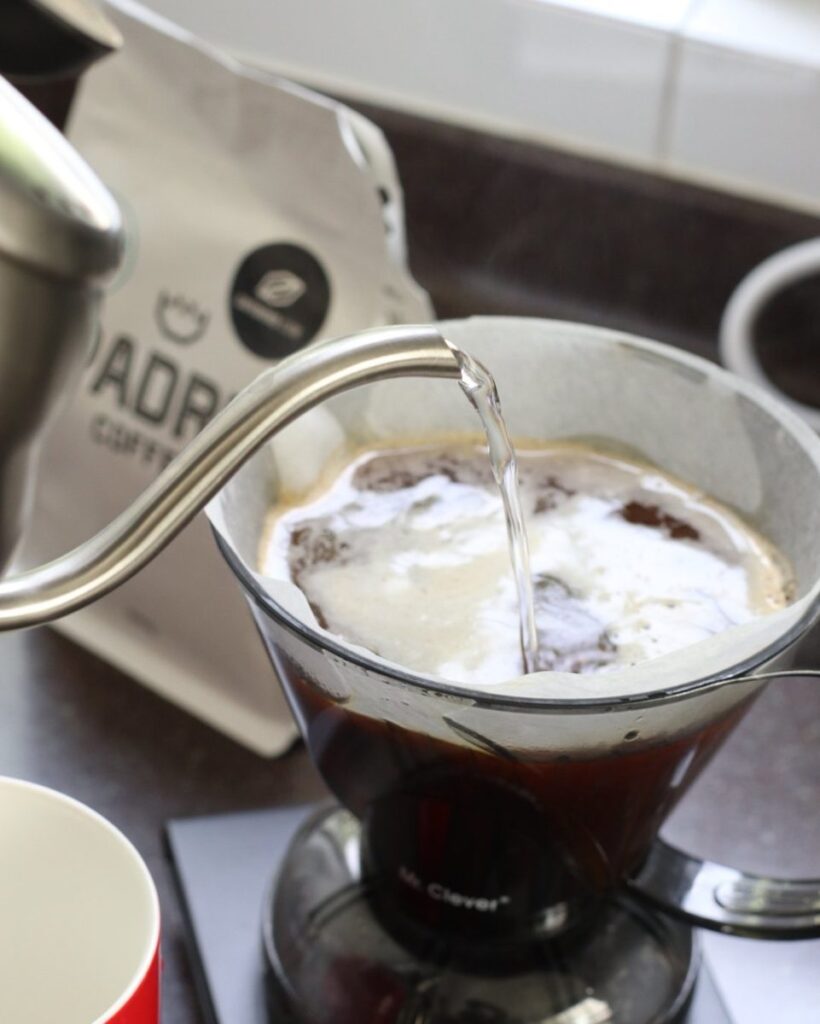
Download the Free Coffee Tracker
Feel free to download the coffee tracker for yourself. It’s free, there’s no sign-up, and it works on your phone or computer. I’ve left in my list of coffees with ratings for you to have a look at, but you can delete these whenever you want. The tracker, apart from my inputs, and the text below was generated by AI.
Please read before you start
Don’t log your coffees on this page. Get your own copy instead.
The tracker below is a preview only, so you can see how it works. To actually use it, download it or copy the HTML and open it on your own phone or computer. That way your coffee list is yours, stays private on your device, and won’t disappear if this page changes.
Claude user? Add this to your artifacts. Download the file, attach it to a new chat in Claude and ask: “Please publish this coffee tracker as an artifact for me.” It will then be saved with your artifacts and you can amend it to your liking. Export JSON now and then to keep a backup.
Downloaded it? Open the file in Chrome, Safari or Edge, then bookmark it. Copied the HTML? Paste it into a plain text file, save it as coffee-tracker.html and open it in your browser.
A friendly note: I’m sharing this tracker as a free tool, just for fun. I can’t take responsibility for the information you add to it, or if your list is ever lost or deleted, so please back it up regularly. How you use it is entirely up to you, and at your own risk. Happy brewing!
How to use the coffee tracker
- Add a coffee. Fill in the roaster, coffee, bag size, price and where you bought it, then tap Add coffee. It works out the price per 100 g and per 500 g for you, so a small boutique bag and a big workhorse one can be compared honestly.
- Rate it. Tap the stars to score it out of five, or mark it Waiting to try for something still on your list. Then choose Buy again or Don’t so you remember next time.
- Compare. Sort by best value or by roaster to find the ones worth reordering. Leave the month blank for a price you’ve only looked up — it gets tagged price noted and stays out of your spending. The rows marked Angela’s pick are my own coffees and ratings, there to show you how it works. Tap Remove my examples at the bottom to clear them all, or tap a coffee’s name and choose Remove.
- Track your gear. Log grinders, filters and descaler under Add tool to keep an eye on what the habit really costs.
Your list is private. Everything saves in your own browser on this device. Nothing is sent to me or anyone else, and there’s no sign-up.
Keep a backup. Tap Export now and then and copy the backup text somewhere safe, like a note. To restore it or move your list to another phone or computer, paste that text back in and tap Import pasted, or choose a saved .json file. Clearing your browser data will wipe your list, so export first.
Vanilla Beige
Coffee Tracker
Log the beans and gear you buy, see what each coffee really costs per 100 g, rate it out of five, and remember which ones are worth ordering again.
Price table
Waiting to try · price noted means a price you’ve looked up but not bought
Add a coffee
Tools & gear
Add a tool
Beans spend by month
Backup text
· Your data stays in your browser on this device. Use Export to back it up.
More Home Brewing Reads
If you’re a home brewer too, my novice guide to brewing with the AeroPress and my Wacaco Minipresso review are still worth a read. And if there’s an Australian roaster I should try next, tell me in the comments!
Disclosure: some links in this post are affiliate links. As an Amazon Associate I earn from qualifying purchases, at no extra cost to you. I only link to things I actually use in my own kitchen.
Use of AI: I built the coffee tracker with the help of Claude and my Grok bot, “Barista”, but every coffee in it is one I’ve bought, brewed and rated myself. I also wrote this blog myself but had AI edit it for SEO. Photos were taken on my phone, sorted and edited for size by AI.
No responses yet